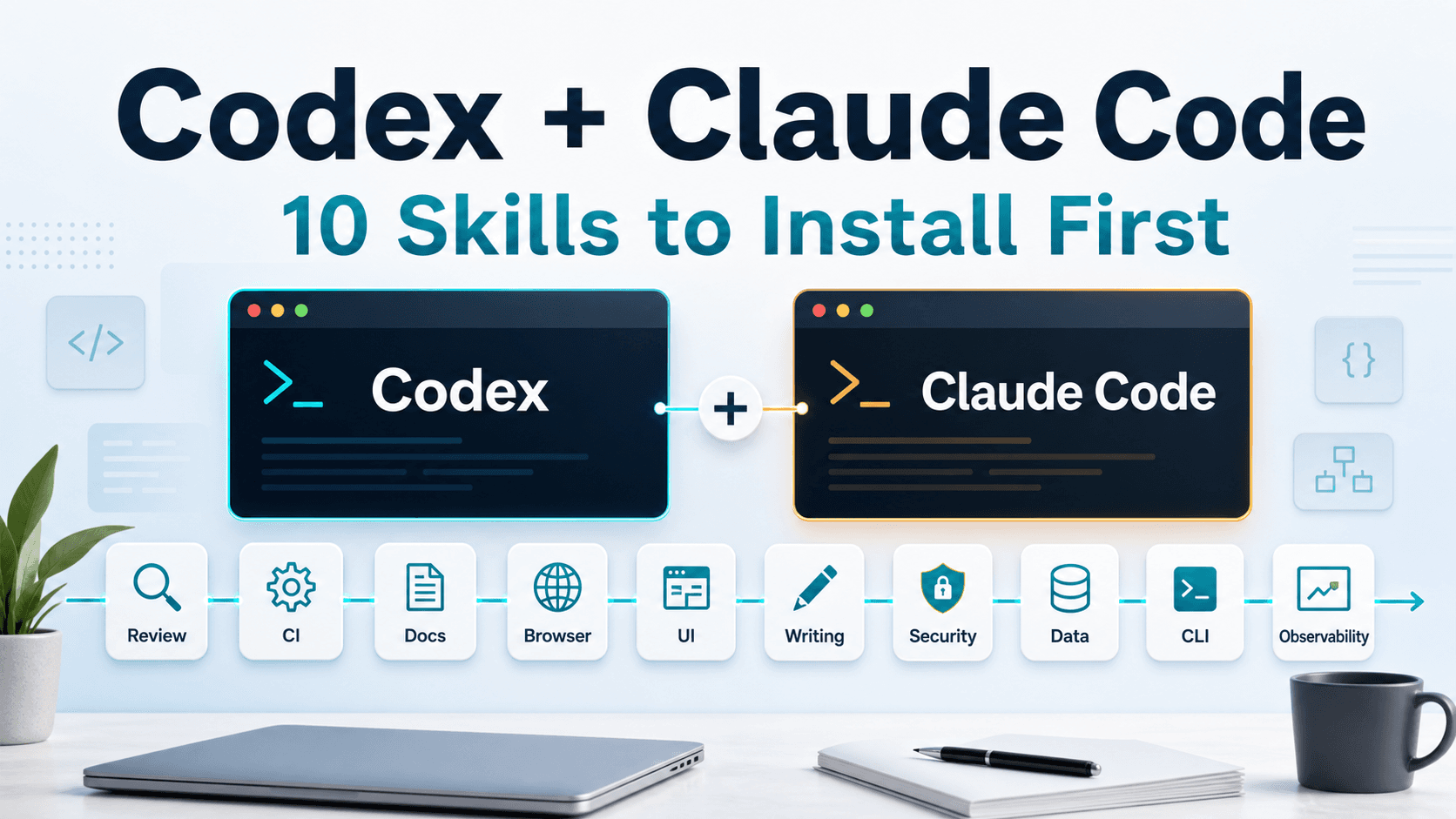
10 Skills to Install First for Codex and Claude Code
TL;DR
If you keep pasting the same instructions into Codex or Claude Code, move those instructions into skills. Common examples include project rules, review standards, official-doc lookup, browser checks after UI work, and writing guidelines for blog posts or PR descriptions.
Use skills for reusable workflows. Use AGENTS.md and CLAUDE.md for long-lived project rules. Use MCP for external systems and live data. Use hooks for hard stops and automated checks. Keeping those layers separate makes the agent easier to steer and the setup easier to maintain.
Last reviewed: 2026-06-03. Maintained by the ToolOrbit Editorial Team.
What a Skill Is
A skill is usually a directory with a SKILL.md file. That file should answer two questions: when the skill should run, and what the agent should do after it loads the skill.
The OpenAI Codex Skills documentation describes a skill as a directory with a SKILL.md file and optional support files such as scripts/, references/, and assets/. Codex reads the skill name, description, and path first, then loads the full instructions when it selects the skill.
The Claude Code Skills documentation uses a similar model. You place a SKILL.md file in the expected directory, Claude Code uses it for relevant work, and you can invoke it by name with /skill-name.
A practical split looks like this:
AGENTS.md / CLAUDE.md: persistent project rules, such as file boundaries, naming rules, and build-command limits.- Skills: repeatable workflows, such as code review, CI debugging, documentation writing, and frontend QA.
- MCP: external systems and live data, such as GitHub, Figma, browsers, databases, and search.
- Hooks: enforced checks, such as command policy, pre-commit validation, and sensitive-file protection.
Installing Skills in Codex
Codex users have three common paths.
Use the built-in creator:
$skill-creator
It asks what the skill should do, when it should trigger, and whether it needs scripts or reference files. For a first skill, let it create the skeleton, then trim the generated text.
Install an existing skill:
$skill-installer linear
$skill-installer can install curated skills and skills from repositories. Before installing a third-party skill, inspect SKILL.md, scripts, tool permissions, and the source.
Place the files by hand.
Project skill:
.agents/skills/<skill-name>/SKILL.md
Personal skill:
$HOME/.agents/skills/<skill-name>/SKILL.md
Codex scans upward from the current directory for .agents/skills. If a skill only applies to a frontend, backend, or data-service folder, place it near that module to reduce accidental triggers.
A minimal SKILL.md can look like this:
---
name: pr-review
description: Review code changes for bugs, regressions, security issues, and missing tests. Use when reviewing a diff or pull request.
---

Review the current changes like a senior engineer.

Focus on:
- correctness bugs
- behavior regressions
- missing tests
- risky permissions

Report findings first. Keep summaries short.
Installing Skills in Claude Code
Claude Code uses .claude/skills/, separate from Codex's .agents/skills/.
Personal skill:
mkdir -p ~/.claude/skills/my-skill
code ~/.claude/skills/my-skill/SKILL.md
Project skill:
mkdir -p .claude/skills/my-skill
code .claude/skills/my-skill/SKILL.md
Claude Code watches these folders for changes. If a new top-level skills folder does not appear in the current session, restart Claude Code.
Remember the invocation difference: Codex commonly uses $skill-name; Claude Code uses /skill-name.
The 10 Skills to Add First
These 10 skills cover development, debugging, review, writing, and security. Start with personal versions, then promote team-specific workflows into project skills.
1. skill-creator
Use it to create or improve skills. Ask the agent to clarify the problem, the trigger, the reference files, and any scripts before it writes SKILL.md.
Use it when you notice that you have pasted the same process for the third time.
Suggested description:
Use when the user wants to create, improve, or package an agent skill.
2. skill-installer
Use it to install curated skills or skills from repositories. It helps with new-machine setup, team environment setup, and testing skills from trusted sources.
Check the source before installing. Skills can include scripts and broad tool permissions. Read allowed-tools, shell commands, and dynamic context injection in unfamiliar repositories.
3. code-review
Make the agent review changes like a reviewer: findings first, summary second. Focus on:
- real bugs
- behavior regressions
- security risks
- missing tests
- migration and compatibility issues
Claude Code includes similar bundled review workflows. Codex projects can use the same pattern to encode team review standards.
4. fix-ci
Use this for the “works locally, fails in CI” loop. Write the order into the skill:
- Read the failure log.
- Find the smallest failing case.
- Reproduce it locally.
- Make a small fix.
- Rerun the relevant check.
If your team uses GitHub CLI, place gh run view, gh pr checks, and gh run download in supporting scripts or dynamic context.
5. openai-docs
Use it when writing about OpenAI APIs, Codex CLI, the Codex app, Responses API, Agents SDK, or model migrations. The skill should tell the agent to check official documentation and say when it cannot find a fact.
Model names, parameters, surfaces, and configuration details change. Tutorials and integration code need current sources.
6. browser
Frontend work needs visual inspection. This skill can require the agent to:
- start the local service
- open the target page
- capture a screenshot
- click key interactions
- check mobile layout
- confirm that the page has no blank states, overlap, or overflow
React, Vue, Next, admin panels, component libraries, games, and landing pages all benefit from this check.
7. frontend-design
Write your UI standards into this skill: buttons, forms, cards, density, color, motion, and mobile breakpoints. Use it when building pages, changing components, generating dashboards, or drafting landing pages.
Call out common failures:
- large blue or purple gradients
- vague hero copy
- nested cards
- first screens with decoration but no product signal
- button text that overflows the container
8. docs-writer
Make documentation follow a runnable order:
- What problem the project solves.
- The shortest install path.
- The smallest run command.
- Common errors.
- A real example.
Use it for READMEs, SDK docs, internal integration docs, and upgrade guides.
9. stop-slop
Use it for blog posts, PR descriptions, product copy, FAQs, and tutorials. It should remove:
- templated openings
- empty importance markers
- grand claims with no supporting facts
- empty transitions
- quotable lines with no information
- paragraphs that summarize without saying anything concrete
If you write technical content often, put this skill in your personal directory and run it before publishing.
10. security-check
Agents can widen permissions while adding a feature. A security-check skill should inspect:
- command injection
- path traversal
- hardcoded secrets
- SSRF
- broad CORS
- unsafe deserialization
- token leakage in logs
- broad agent tool permissions
Use it for backend routes, MCP servers, scripts, deployment config, and automation jobs.
Recommended Install Order
For a first pass, install them in this order:
skill-creatorcode-reviewfix-ciopenai-docsbrowserfrontend-designdocs-writerstop-slopsecurity-checkskill-installer
Start with the skills that improve daily development quality. Once review, CI, docs, frontend checks, writing, and security have stable workflows, use installer-based expansion for other cases.
Write Trigger-Heavy Descriptions
The agent reads name and description before it decides whether to load the full skill. A vague description makes the skill easy to miss or misuse.
Avoid this:
description: Help with frontend work.
Use this:
description: Use when building or reviewing frontend UI. Check layout, spacing, responsive states, visual hierarchy, and interaction states before final delivery.
A useful description names the task type, the trigger, and the checks.
Keep the Skill List Small
More skills do not guarantee better work. A long initial list can get truncated or make selection noisy. Claude Code also spends context when it loads skill bodies.
Use a small operating rule:
- Put personal workflows in the personal skills directory.
- Put project workflows in the project directory.
- Prefer manual triggers for high-risk skills.
- Trust scripts only from sources you understand.
- Give each skill one job.
Create a new skill when you repeat the same instruction for the third time. That pace keeps the system useful without turning it into another config pile.
Closing
Codex and Claude Code can handle a lot of development work, but they need stable workflows. Skills help because they turn repeated standards into reusable instructions.
Start with review, CI repair, official docs, browser checks, UI design, documentation, prose cleanup, and security. Add project-specific skills once the team can name the workflow it wants to preserve.